
With Windows7, you can now configure your monitor for the best display of Clear Type. |
|
| 1. | From the Start Menu, run CTTUNE |
| 2. | This will allow you to first Turn on Clear Type |
 |
|
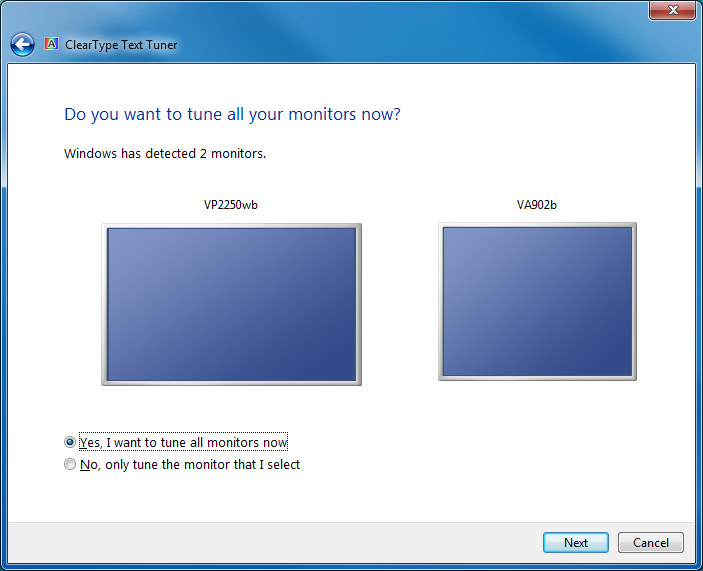
| 3. | If you have two monitors, you can select which or both monitors to tune |
 |
|
| 4. | You will then be presented with a series of screens on the respective monitor. Select which font looks the clearest for you. |
 |
|
| 5. | When you are done, the completed monitor will show a check next to the calibrated monitors |
 |
|
Home Windows7 Clear Type Tuning


